If you have ever tried to rewatch Star Trek properly—not just dip into a favourite episode, but work through hundreds of instalments across multiple series—you will know the feeling. You pause Deep Space Nine for a few weeks, start something else, and suddenly you have no idea which episode you were on. Spreadsheets help for a while, then they do not. Notes on your phone get lost. Memory is unreliable when you jump between TNG, DS9, and whatever new show has just dropped.
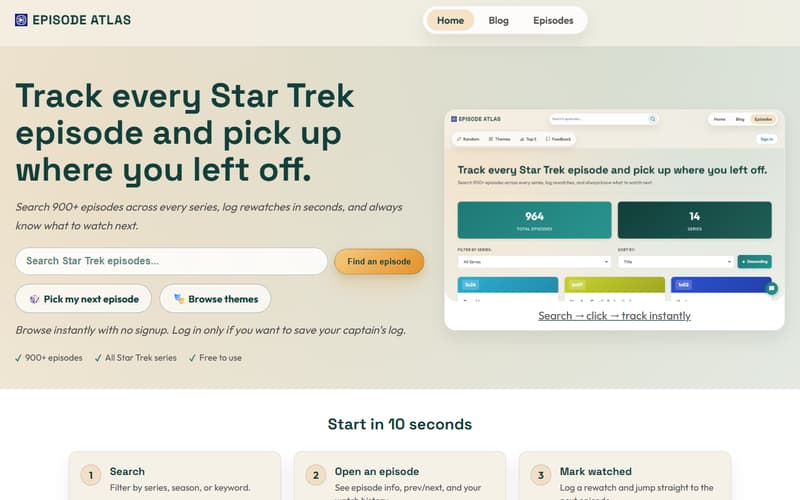
That is the problem Episode Atlas exists to solve: search 900+ episodes and films, mark what you have watched, and always know what to watch next—without treating a rewatch like a project-management exercise.
Why I built it
I write about Star Trek on this blog from time to time—episode reviews, top-50 lists, thoughts on new series. The honest origin is simpler than that, though: I wanted a better way to track my own rewatches.
Generic TV trackers are fine if you watch a bit of everything. They are less helpful when you care about one enormous franchise with inconsistent stardates, films mixed in with series, and the urge to jump to “all the Borg episodes” rather than the next sequential instalment. Episode Atlas is deliberately narrow (if you can describe a database of over 900 episodes and films narrow!): all of Star Trek, in one place, with features shaped by how fans actually rewatch.
Browse first, sign in to save
You can use Episode Atlas without creating an account. Search the catalogue, open episodes, browse collections, and spin the random picker—no signup required.
When you want your progress to stick, sign in and start your captain’s log. Mark episodes watched, and the site remembers where you left off across every series—even if you detour from DS9 to TNG and back again.
Your service record
Once you are logging watches, the homepage gives you a service record at a glance: how many of the 900+ episodes you have seen, your percentage through the franchise, and your current watch rank (from the early ranks up through Lieutenant, Commander, and beyond). The site shows how many more episodes you need for the next rank, so a long rewatch feels like progress rather than a vague “I think I am halfway through Voyager.”
You can also earn commendations and build an active duty streak—small nudges to keep visiting when you are in the middle of a serious rewatch. It is the same idea as a fitness streak, but for Star Trek.
Find any episode in seconds
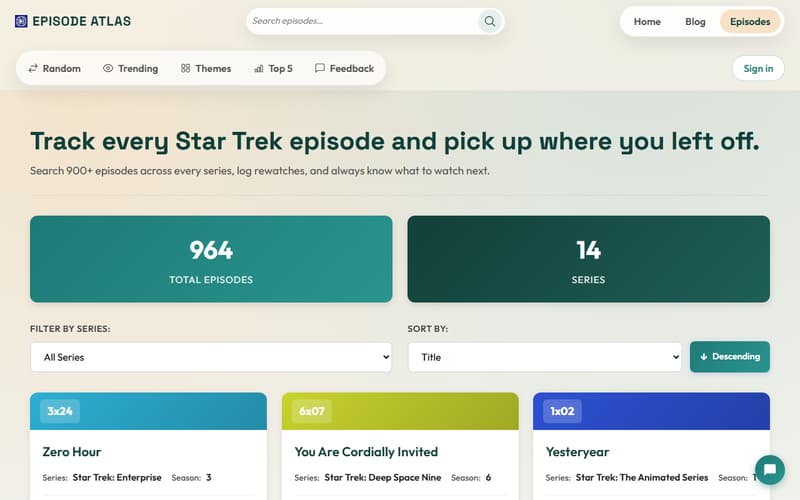
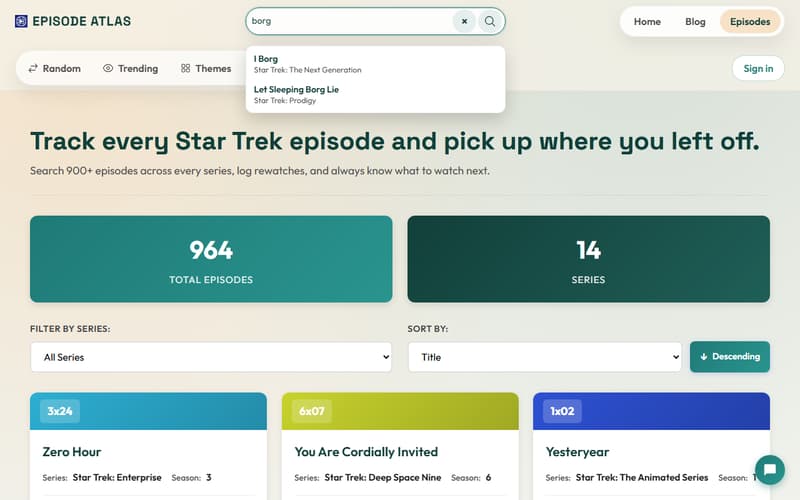
Search is the front door. Most visits start with “I know roughly what I want” or “which episode was that again?” Filter by series and season to narrow the list; keywords catch titles and descriptions you only half remember. Every series and the films are in one catalogue.
Episode pages: context and next steps
Open any episode and you get what you need for a rewatch session: metadata, previous and next navigation within the series, season progress, and actions to mark the episode watched or jump to the suggested next episode. Your captain’s log ties it together—what you logged today, what you have already seen, and where to pick up when you return.
The flow the site describes is simple: search → open → mark watched → move on. Three gestures, no spreadsheet.
Collections when you want a mood, not a season
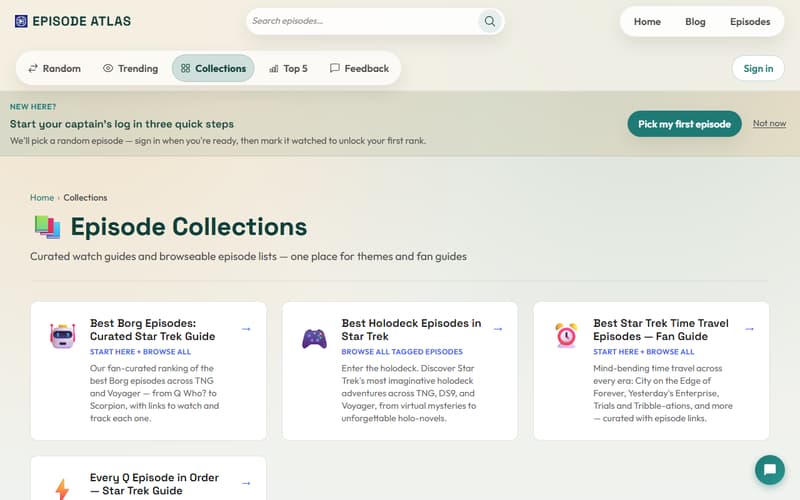
Collections answer a different question from search: “It is late; show me something good in this mood.” Each collection points at Borg stories, time-travel episodes, holodeck highlights, and similar lists—fan knowledge encoded as browseable sets, so you skip filler without digging through every season.
Random episode when you cannot decide
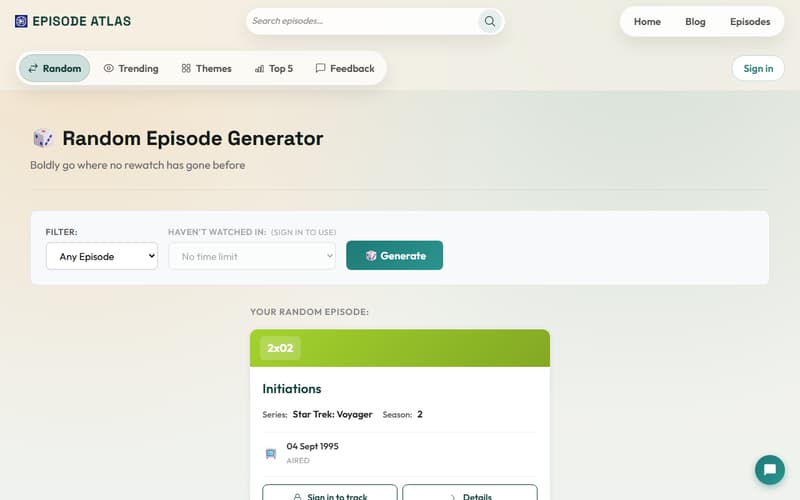
The random episode picker is for the evenings when you and the sofa have agreed on Star Trek but not on which Star Trek. One click, one suggestion—useful when commitment is the hard part.
How it compares to other sites
Episode Atlas is not trying to replace Memory Alpha for lore or IMDb for cast lists. It is built for progress: what you have watched, what rank you have earned, and what to play next. If you have ever bounced between a wiki, a ratings site, and a generic tracker and still not known where you were in DS9, this is the gap it fills.
Try it
episodeatlas.com — free to browse, sign in when you want your captain’s log saved. Search, mark your first episode, and see your rank climb.
How do you track long rewatches—spreadsheet, app, or pure memory? If you try Episode Atlas, I would genuinely like to know what works for you and what does not: features you love, gaps that annoy you, or anything that would make a rewatch easier. Leave a comment below, or use the feedback option on episodeatlas.com —both reach me, and both help shape what I build next.
Comments